Linux
Availablex86_64 · 8.2 MB
First launch
- 01Download the .tar.gz
- 02tar -xzf companion-linux-x64-v0.1.0.tar.gz
- 03cd companion-linux-x64-v0.1.0 && ./dreemdex-companion
Free download · closed source · no account
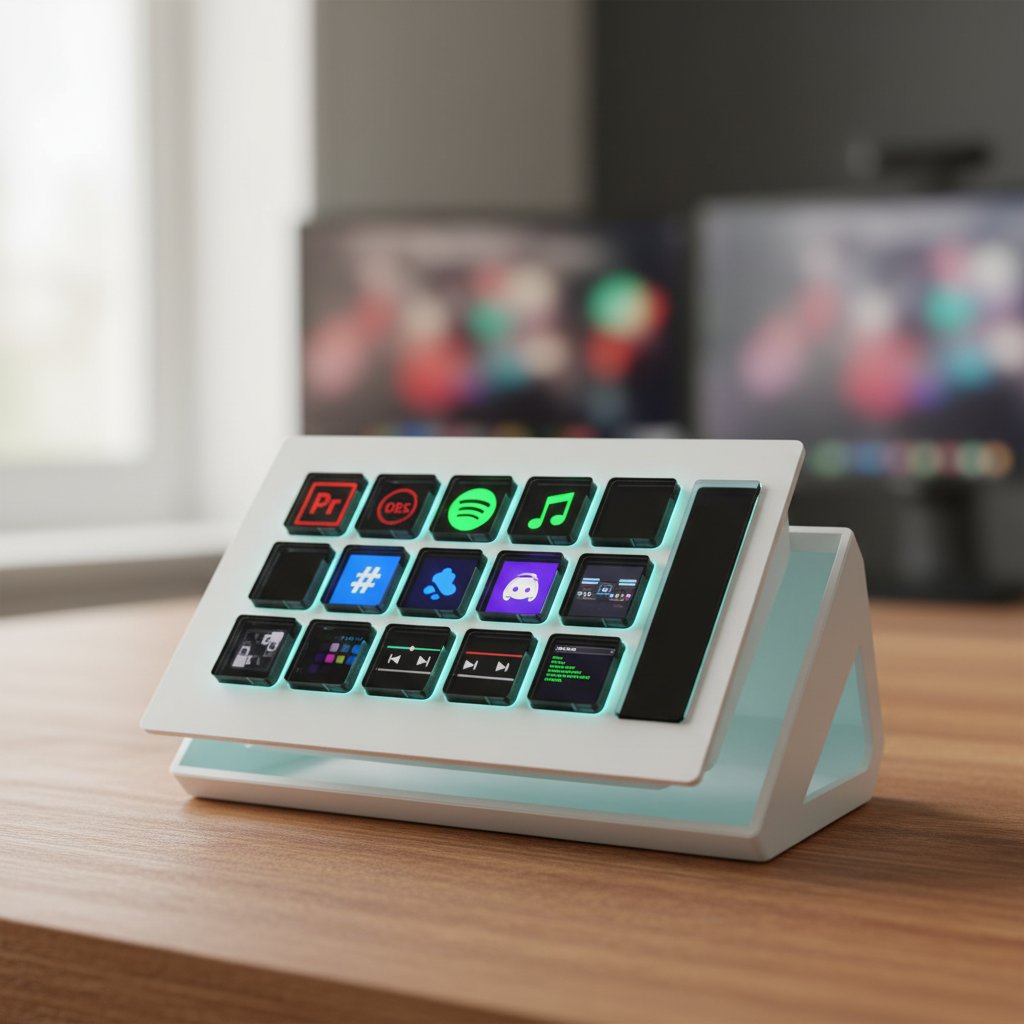
The same software ships on every platform. The D10 adds owner-only features when you plug one in. You don’t need the device to try the app — profiles, macros, and the editor all work without it.
x86_64 · 8.2 MB
x86_64 · 6.0 MB
Universal · Apple Silicon + Intel · 13.4 MB
Why the SmartScreen / Gatekeeper warnings? Microsoft and Apple charge $200–$400 / year for signing certificates. Until D10 sales fund those, the binaries are ad-hoc-signed only. They work the same; the OS just nudges you twice on first launch. We’ll buy the certs as soon as we can — that’s a promise, not a maybe.
What it does without a D10
We use cookies for analytics and ad tracking. Essential first-party site analytics run regardless. You can change your decision anytime in our privacy policy.